OWNED AI FOR PERSONAL INJURY FIRMS

Other PI firms rent their AI. You'll own yours.

Every fact in every case file, extracted into a database you own. Agents and document producing workflows plugged in. Built in your cloud.

AI automation dashboard showing agent performance metrics, workflows, and run analytics in a dark UI.

WHAT WE BUILD

One owned asset. Everything runs on it.

A data layer built from your case files. Workflows and agents on top. All yours.

DATA LAYER & PRIVATE AI

Your case files, and the brain that reads them.

Bills, injuries, depositions, deadlines, every fact extracted once and linked to its source page. AI that runs in your cloud, on a model you choose. Records & PHI never leave the firm.

AI automation dashboard showing agent performance metrics, workflows, and run analytics in a dark UI.

WORKFLOWS

Documents, drafted in minutes.

Demands, medical chronologies, discovery packages, mediation briefs, disbursement sheets. Once the facts live in the data layer, every document a case needs is assembled from them, sourced and ready for review in minutes.

AI automation dashboard showing deployment controls, response time, success rate, and performance trends in a dark UI.

AGENTS

Ask anything. Miss nothing.

Treatment gaps, total specials, what a case is worth, answered in seconds with the sources attached. Every answer traces back to the page it came from, so verifying takes one click.
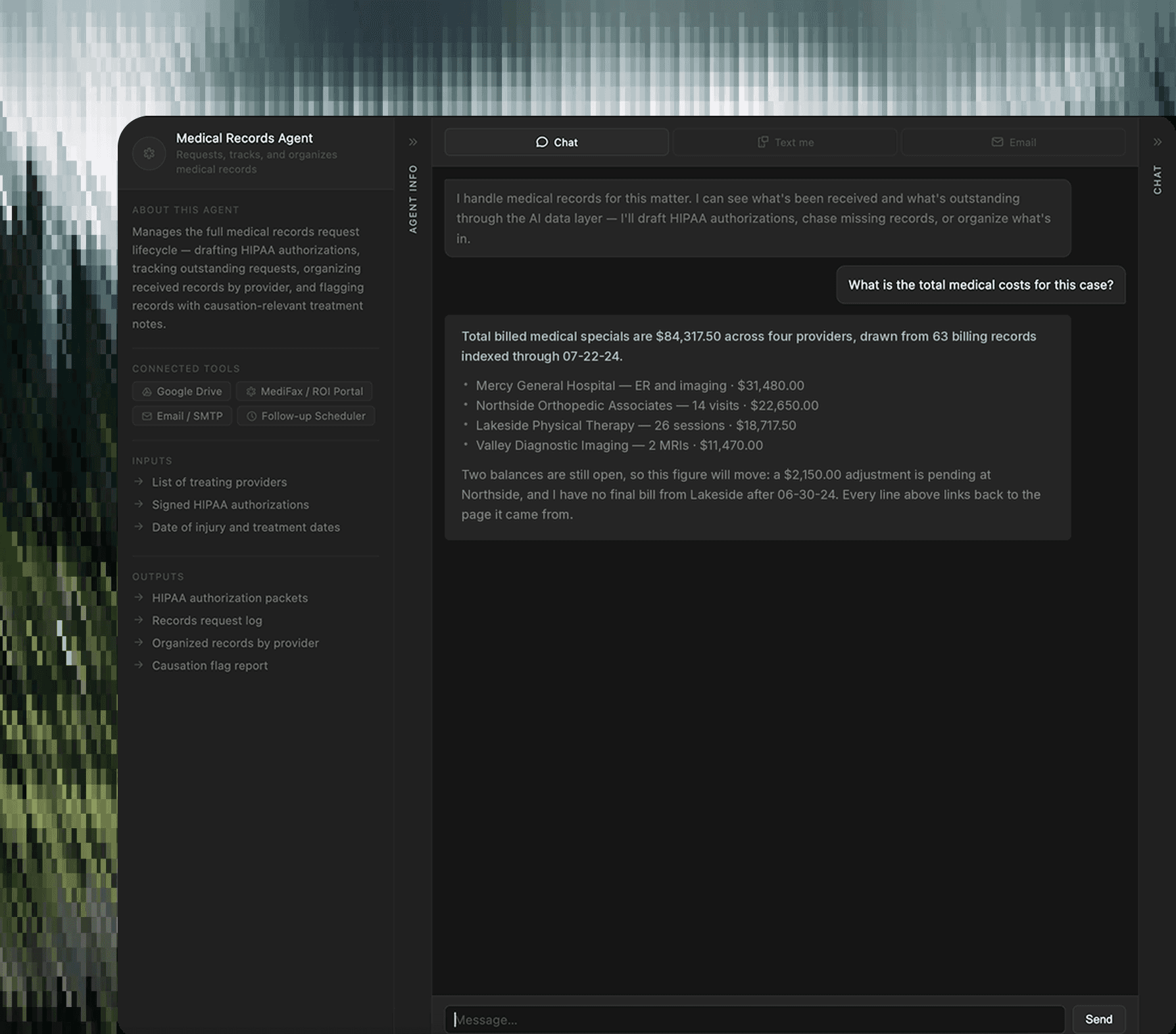
AI automation dashboard showing active agents, automation workflows, and status tracking in a dark UI.

ALWAYS ON

The work that happens before you ask.

Agents sit in every department, intake through disbursement. Statute scans, records follow-ups, bill audits, and weekly status reports run on their own schedule, logged every time.

AI automation dashboard showing agent run analytics and performance trends over time in a dark UI.

WHY OWN IT

Why firms choose to own.

Renting works until the bill scales, the vendor changes, or you want your data back.

Own the asset

The database, the pipelines, the extraction history, built in your cloud, yours permanently. No per-seat fees. Nothing to lose at renewal.

With pre-built components, visual workflows, and one-click deploy, go from idea to production in hours, not weeks.

AI automation dashboard showing modular components like LLM routing, email, web search, and document parsing in a clean UI.

Answers in seconds

An afternoon of file review becomes one question. Every answer arrives with its source documents attached, verifying takes one click.

AI automation dashboard showing real-time traffic metrics, performance trends, and system uptime in a clean UI.

Nothing leaves your firm

Client files stay in your firm's own cloud. Privilege is gated at the database, every access is logged, and your data never trains anyone's model.

AI automation dashboard showing agent execution steps, response times, and workflow trace in a clean UI.

INTEGRATIONS

Works where your files already live.

Nothing moves. We read from the systems your firm already runs, and the layer we build speaks an open standard, so any AI tool can use it.

  • Google Drive

    drive.google.com

    Where most firms keep their case files. We read every folder, every document, and keep watching for new ones.

  • Litify

    litify.com

    Stays your system of record. We mirror cases, parties, and assignments, and write extracted facts back into your fields.

  • Dropbox

    dropbox.com

    Same treatment as Drive. Folders map to matters, and documents flow into the data layer automatically.

  • Filevine

    filevine.com

    Case management data and documents pulled in, so the layer reflects the whole file, not part of it.

  • Google Drive

    drive.google.com

    Where most firms keep their case files. We read every folder, every document, and keep watching for new ones.

  • Litify

    litify.com

    Stays your system of record. We mirror cases, parties, and assignments, and write extracted facts back into your fields.

  • Dropbox

    dropbox.com

    Same treatment as Drive. Folders map to matters, and documents flow into the data layer automatically.

  • Filevine

    filevine.com

    Case management data and documents pulled in, so the layer reflects the whole file, not part of it.

  • SharePoint

    microsoft.com

    Firms on Microsoft get the same treatment. Teams sites, OneDrive, and the documents buried in email.

  • Claude

    claude.com

    Point Claude at your data layer and ask about any case. Your team can use the tools they already have.

  • Amazon Bedrock

    aws.amazon.com

    Models run inside your own environment, so case documents are never sent to a vendor's cloud to be read.

  • ChatGPT

    chatgpt.com

    The same layer answers to ChatGPT. What you own doesn't depend on which AI vendor you pick.

  • SharePoint

    microsoft.com

    Firms on Microsoft get the same treatment. Teams sites, OneDrive, and the documents buried in email.

  • Claude

    claude.com

    Point Claude at your data layer and ask about any case. Your team can use the tools they already have.

  • Amazon Bedrock

    aws.amazon.com

    Models run inside your own environment, so case documents are never sent to a vendor's cloud to be read.

  • ChatGPT

    chatgpt.com

    The same layer answers to ChatGPT. What you own doesn't depend on which AI vendor you pick.

  • Google Drive

    drive.google.com

    Where most firms keep their case files. We read every folder, every document, and keep watching for new ones.

  • Litify

    litify.com

    Stays your system of record. We mirror cases, parties, and assignments, and write extracted facts back into your fields.

  • Dropbox

    dropbox.com

    Same treatment as Drive. Folders map to matters, and documents flow into the data layer automatically.

  • Filevine

    filevine.com

    Case management data and documents pulled in, so the layer reflects the whole file, not part of it.

  • SharePoint

    microsoft.com

    Firms on Microsoft get the same treatment. Teams sites, OneDrive, and the documents buried in email.

  • Claude

    claude.com

    Point Claude at your data layer and ask about any case. Your team can use the tools they already have.

  • Amazon Bedrock

    aws.amazon.com

    Models run inside your own environment, so case documents are never sent to a vendor's cloud to be read.

  • ChatGPT

    chatgpt.com

    The same layer answers to ChatGPT. What you own doesn't depend on which AI vendor you pick.

USE CASES

Built around how a PI firm actually works.

Intake through disbursement, every department asking the same case record and getting answers with sources attached.
PRE-LITIGATION

The whole file, always current

Treatment gaps, total specials, and demand readiness without opening a single document.

LITIGATION

Discovery and depositions, prepared

What is outstanding, what a witness has said before, and what is privileged before you produce.

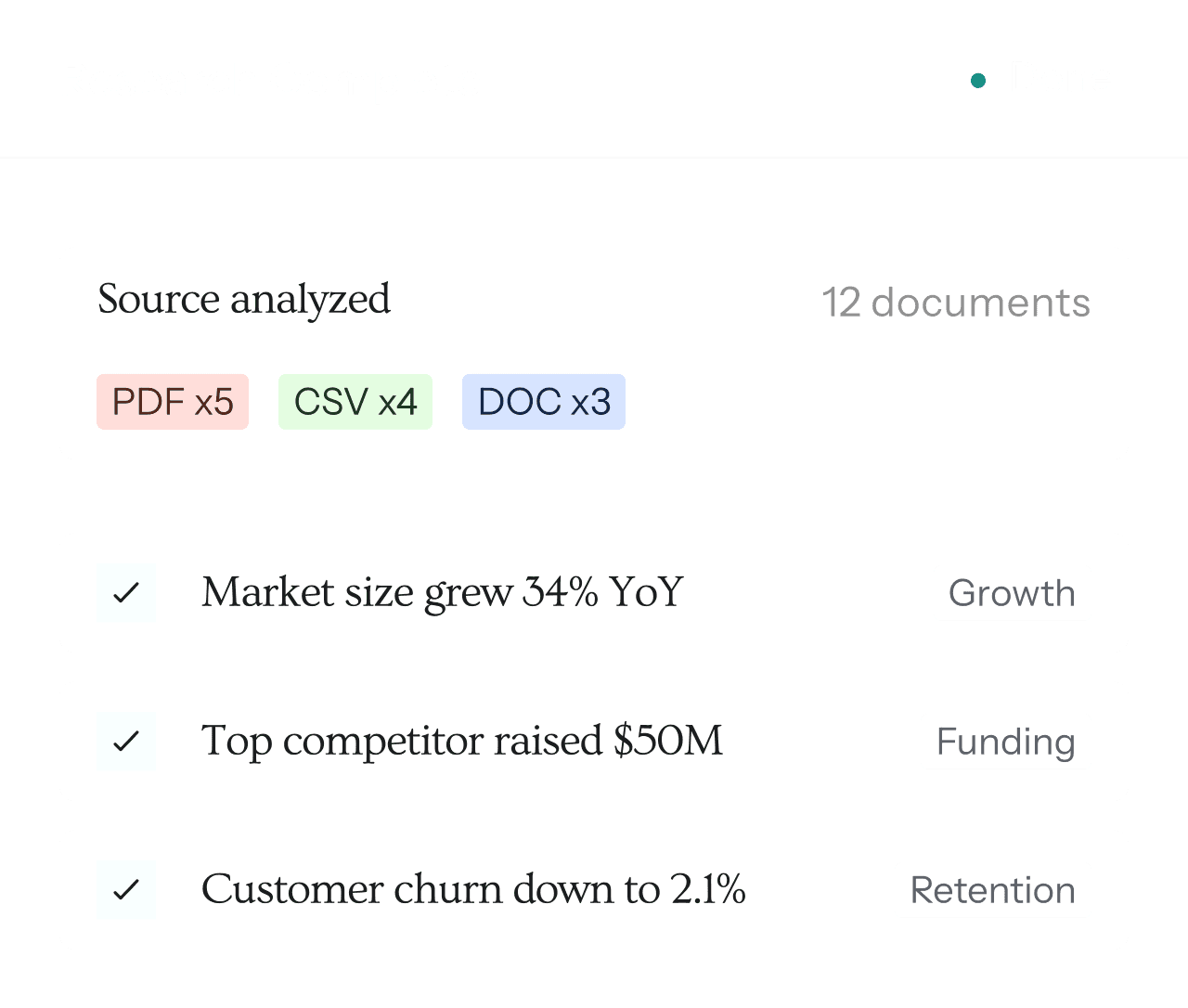
AI automation dashboard showing research analysis, document processing, and key insights summary in a clean UI.
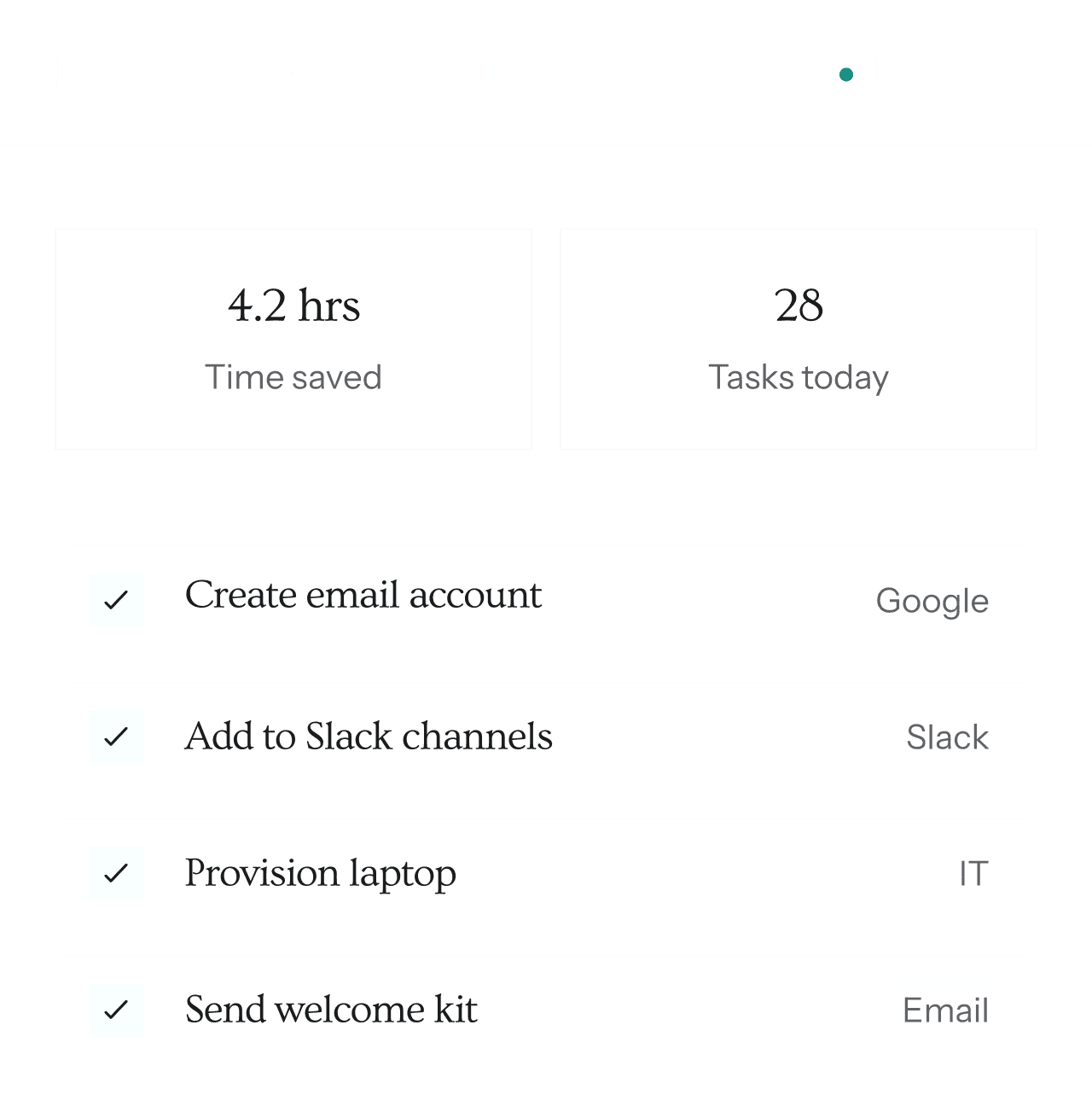
AI automation dashboard showing onboarding workflows, task automation, and productivity tracking in a clean UI.
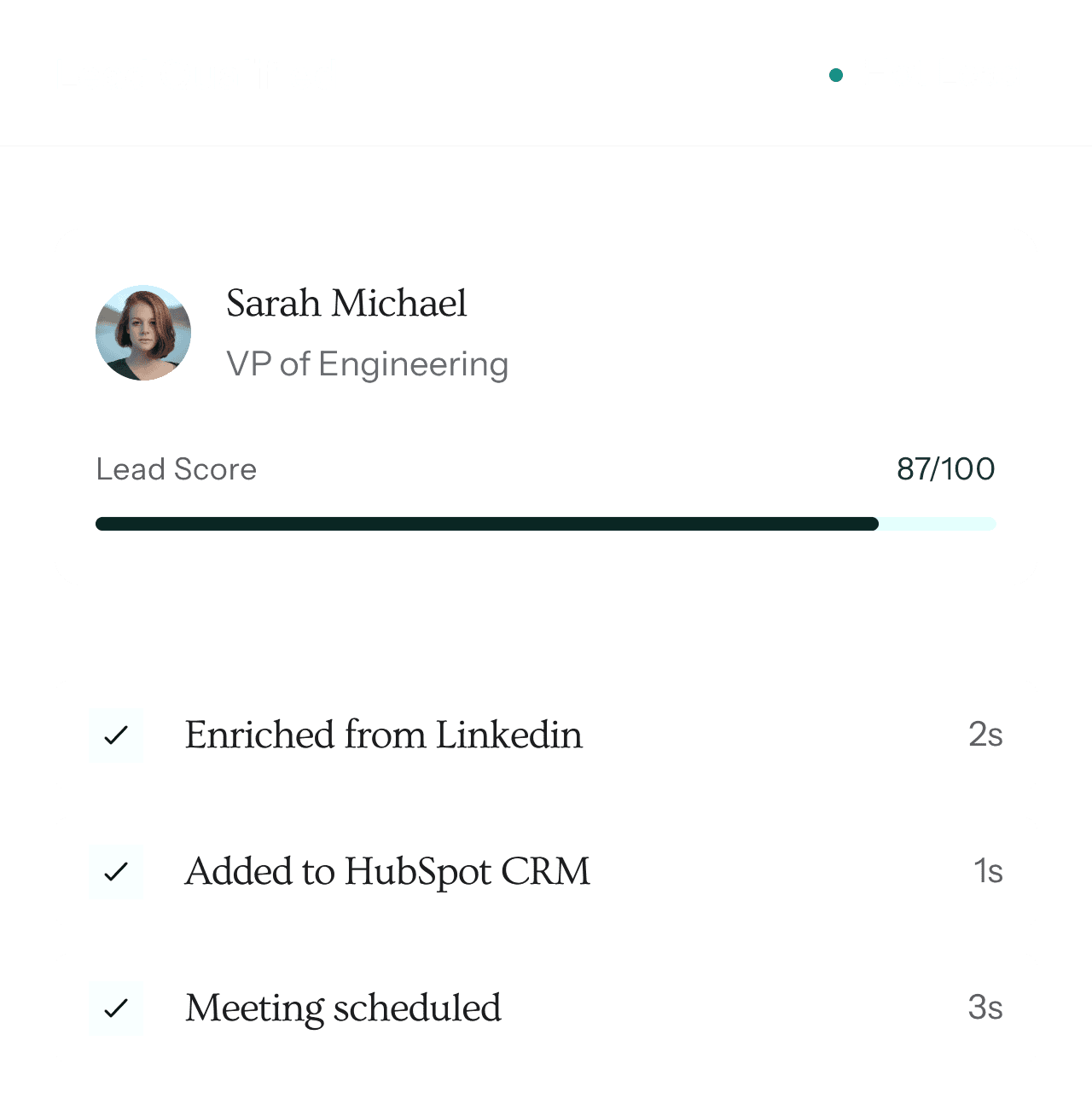
AI automation dashboard showing lead qualification data, scoring insights, and CRM workflow automation in a clean UI.
AI automation dashboard showing customer support interactions, issue resolution flow, and performance metrics in a clean UI.

INTAKE

Qualify a referral in 45 minutes

Send the folder link, get a full case assessment back before the referring firm calls again.

LEADERSHIP

The whole book, live

What the open caseload is worth, what closed this quarter, and which cases have stalled.

PRE-LITIGATION

The whole file, always current

Treatment gaps, total specials, and demand readiness without opening a single document.

LITIGATION

Discovery and depositions, prepared

What is outstanding, what a witness has said before, and what is privileged before you produce.

AI automation dashboard showing research analysis, document processing, and key insights summary in a clean UI.
AI automation dashboard showing onboarding workflows, task automation, and productivity tracking in a clean UI.
AI automation dashboard showing lead qualification data, scoring insights, and CRM workflow automation in a clean UI.
AI automation dashboard showing customer support interactions, issue resolution flow, and performance metrics in a clean UI.

INTAKE

Qualify a referral in 45 minutes

Send the folder link, get a full case assessment back before the referring firm calls again.

LEADERSHIP

The whole book, live

What the open caseload is worth, what closed this quarter, and which cases have stalled.

PRE-LITIGATION

The whole file, always current

LITIGATION

Discovery and depositions, prepared
AI automation dashboard showing research analysis, document processing, and key insights summary in a clean UI.
AI automation dashboard showing onboarding workflows, task automation, and productivity tracking in a clean UI.
AI automation dashboard showing lead qualification data, scoring insights, and CRM workflow automation in a clean UI.
AI automation dashboard showing customer support interactions, issue resolution flow, and performance metrics in a clean UI.

INTAKE

Qualify a referral in 45 minutes

LEADERSHIP

The whole book, live

HOW IT WORKS

From first look to owned asset.

Three stages. You keep everything built at each one, whether or not you continue to the next.

01

Assessment

Four weeks. We audit your document store, map your folders to matters, and survey your team on what they need to ask. You leave with a written picture of what your files can actually tell you.

02

Build

Schema, pipelines, and migration, all in your own cloud. Then the workflows your firm runs every day and the agents your team asked for, built on top and tuned to how you actually draft.

03

Own

The data layer is yours outright. We stay on to keep it accurate as new documents arrive and extraction improves, with the workflows and agents running on top, on a flat monthly retainer.

FAQ

Frequently asked questions

Everything you need to know to get started.

Do we have to move our files?

No. Your documents stay where they are, in Drive, Dropbox, Litify, or Filevine. We read from them and keep watching for new ones. Nothing gets migrated into a platform you would have to leave later.

What exactly do we own?

The data layer. The database, the schema, the pipelines, and the full extraction history live in your firm's cloud and belong to you outright. The workflows and agents that run on top are licensed while we work together. You own the record, and you license the tools that read it.

What happens if we stop working with you?

You keep the data layer and everything in it, running in your own environment. The workflows and agents switch off, and you are free to point other tools at the record you own. Nothing has to be exported, because nothing was ever held anywhere else.

Who can see our client data?

Only the people who can see it today. Everything runs in your firm's own cloud, privilege is gated at the database rather than inside an app, every access is logged, and your data is never used to train anyone's model.

Do we have to leave Litify?

No, and we would not recommend it. Litify stays your system of record. We mirror cases, parties, and assignments from it, and we can write extracted facts back into your fields, so the system your team already knows gets better rather than replaced.

How is it priced?

A build fee for the asset you own, then a flat monthly retainer covering operations and the workflows and agents in use. No per-seat fees and no per-question metering. Your bill does not grow because your team used it more.

What happens when the AI gets something wrong?

You catch it, which is the design. Every answer carries the documents it came from, nothing is filed or sent without a person approving it, and every correction improves the system. The attorney remains responsible for the work product, so the platform is built to make supervising it easy.

Does this replace people on our team?

No. It removes the gathering, retyping, and remembering, which was never the job. Judgment, advocacy, and the client relationship stay exactly where they are.

FAQ

Frequently asked questions

Everything you need to know to get started.

Do we have to move our files?

No. Your documents stay where they are, in Drive, Dropbox, Litify, or Filevine. We read from them and keep watching for new ones. Nothing gets migrated into a platform you would have to leave later.

What exactly do we own?

The data layer. The database, the schema, the pipelines, and the full extraction history live in your firm's cloud and belong to you outright. The workflows and agents that run on top are licensed while we work together. You own the record, and you license the tools that read it.

What happens if we stop working with you?

You keep the data layer and everything in it, running in your own environment. The workflows and agents switch off, and you are free to point other tools at the record you own. Nothing has to be exported, because nothing was ever held anywhere else.

Who can see our client data?

Only the people who can see it today. Everything runs in your firm's own cloud, privilege is gated at the database rather than inside an app, every access is logged, and your data is never used to train anyone's model.

Do we have to leave Litify?

No, and we would not recommend it. Litify stays your system of record. We mirror cases, parties, and assignments from it, and we can write extracted facts back into your fields, so the system your team already knows gets better rather than replaced.

How is it priced?

A build fee for the asset you own, then a flat monthly retainer covering operations and the workflows and agents in use. No per-seat fees and no per-question metering. Your bill does not grow because your team used it more.

What happens when the AI gets something wrong?

You catch it, which is the design. Every answer carries the documents it came from, nothing is filed or sent without a person approving it, and every correction improves the system. The attorney remains responsible for the work product, so the platform is built to make supervising it easy.

Does this replace people on our team?

No. It removes the gathering, retyping, and remembering, which was never the job. Judgment, advocacy, and the client relationship stay exactly where they are.

FAQ

Frequently asked questions

Everything you need to know to get started.

Do we have to move our files?

No. Your documents stay where they are, in Drive, Dropbox, Litify, or Filevine. We read from them and keep watching for new ones. Nothing gets migrated into a platform you would have to leave later.

What exactly do we own?

The data layer. The database, the schema, the pipelines, and the full extraction history live in your firm's cloud and belong to you outright. The workflows and agents that run on top are licensed while we work together. You own the record, and you license the tools that read it.

What happens if we stop working with you?

You keep the data layer and everything in it, running in your own environment. The workflows and agents switch off, and you are free to point other tools at the record you own. Nothing has to be exported, because nothing was ever held anywhere else.

Who can see our client data?

Only the people who can see it today. Everything runs in your firm's own cloud, privilege is gated at the database rather than inside an app, every access is logged, and your data is never used to train anyone's model.

Do we have to leave Litify?

No, and we would not recommend it. Litify stays your system of record. We mirror cases, parties, and assignments from it, and we can write extracted facts back into your fields, so the system your team already knows gets better rather than replaced.

How is it priced?

A build fee for the asset you own, then a flat monthly retainer covering operations and the workflows and agents in use. No per-seat fees and no per-question metering. Your bill does not grow because your team used it more.

What happens when the AI gets something wrong?

You catch it, which is the design. Every answer carries the documents it came from, nothing is filed or sent without a person approving it, and every correction improves the system. The attorney remains responsible for the work product, so the platform is built to make supervising it easy.

Does this replace people on our team?

No. It removes the gathering, retyping, and remembering, which was never the job. Judgment, advocacy, and the client relationship stay exactly where they are.

Own your firm's Intelligence.

Start with a four-week assessment. We map your documents and show you what your files can actually tell you. You keep the findings either way.

Own your firm's Intelligence.

Start with a four-week assessment. We map your documents and show you what your files can actually tell you. You keep the findings either way.

Own your firm's Intelligence.

Start with a four-week assessment. We map your documents and show you what your files can actually tell you. You keep the findings either way.